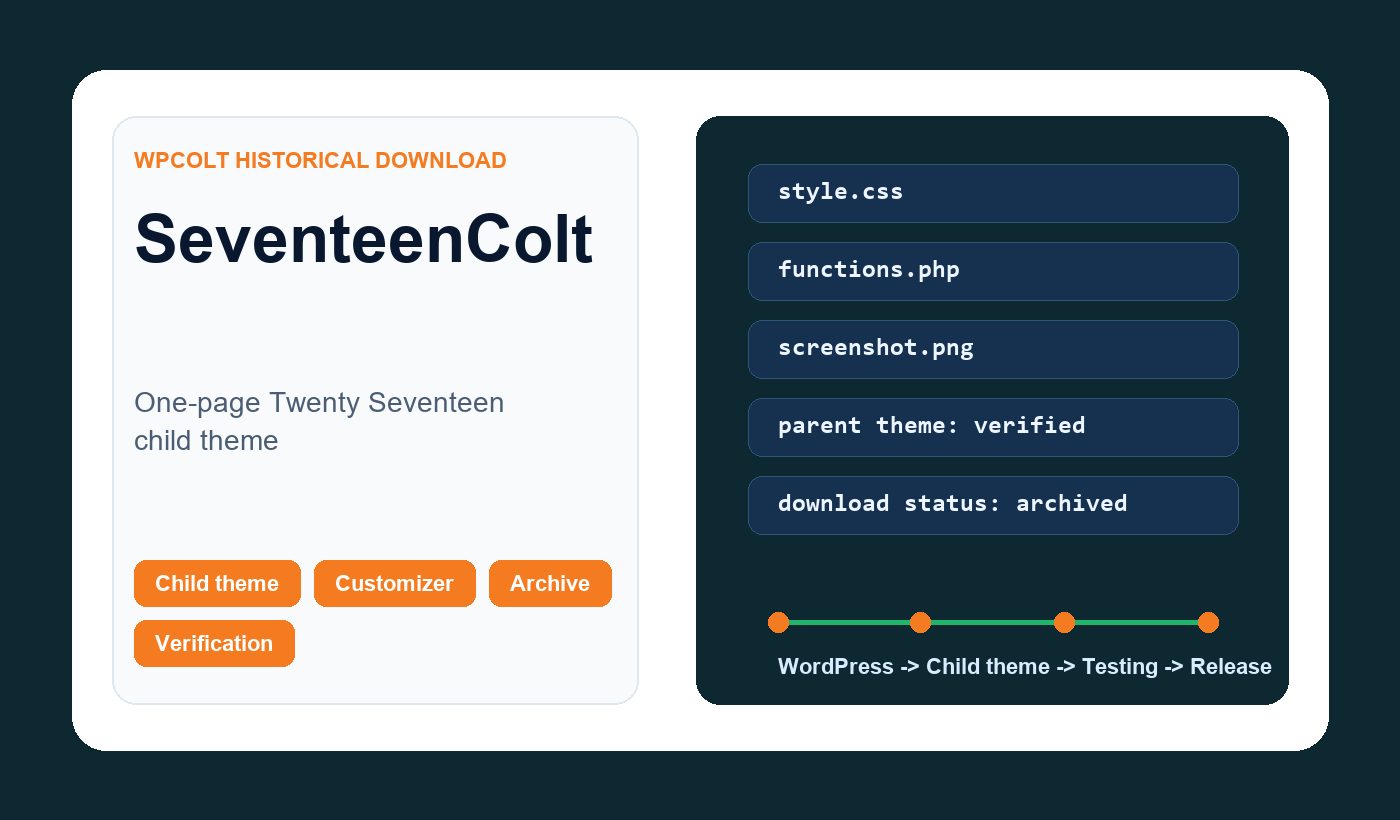
What this older downloads was
The earlier pages described SeventeenColt as a free child theme for Twenty Seventeen. It said users could install it from Appearance, Themes, Add New, upload the ZIP, or extract it into the wp-content/themes folder. It also referenced a SeventeenColt Plus version and a complete guide for building one-page sites.
This page explains the resource, who it was for, and what to check before using or recreating it today.
Who it was for
SeventeenColt was primarily for WordPress users who wanted to customize a site without editing the parent theme directly. In this case, the parent or target context was Twenty Seventeen. The practical goal was to create a scrollable one-page website using the Twenty Seventeen front-page section system.
That matters because child themes are not generic decoration. They inherit templates, functions, styles, scripts, and assumptions from the parent theme. If the parent changes, the child can change too. If the child depends on hooks or templates that no longer behave the same way, an old ZIP can create layout, editor, or performance problems even when it installs successfully.
What I would verify before restoring the file
My first check would be the package itself. I would inspect style.css to confirm the theme header, Template value, version, license, and text domain. Then I would read functions.php to see whether it only enqueues styles or whether it changes hooks, custom post type behavior, builder support, front-page sections, scripts, or admin screens. A small child theme can still have a large effect if it changes the wrong layer.
Next, I would test it on a staging site with the correct parent theme installed. For SeventeenColt, that means checking activation, the Customizer, editor screens, post templates, library pages, mobile layout, JavaScript console output, and cache behavior. If the theme affects custom post types or one-page sections, those exact workflows need to be tested instead of only checking the homepage.
Installation notes
The earlier pages generally described the classic installation flow: go to Appearance, Themes, Add New, upload the ZIP, or extract the ZIP into wp-content/themes/. That process is still familiar, but it is not enough by itself. A WordPress theme can install cleanly and still be the wrong choice for the current site.
Before activating a updated child theme on production, take a backup, confirm the parent theme is active or available, and test the site while logged out. Review the homepage, posts, pages, archives, search results, contact forms, and any ecommerce or membership pages. If a child theme changes templates or builder support, private and dynamic pages deserve extra attention.
Performance and cache considerations
Child themes often look lightweight because they contain few files. That can be true, but performance depends on what the files do. If the child theme enqueues parent and child styles incorrectly, loads extra fonts, adds scripts globally, changes image sizes, or activates builder features on more post types, the visitor experience can change.
After activating any earlier theme resource, request the same public URL twice as a logged-out visitor. Check whether the page caches, whether assets load from expected locations, whether Cache-Control, Age, X-Cache, X-Varnish, or CF-Cache-Status make sense, and whether a cookie accidentally forces bypass. This is exactly the kind of evidence-first habit WPColt wants to encourage.
Search intent and honest update
A person landing on this page may be looking for the old download, a child-theme example, or confirmation that the old WPColt resource still exists. The original file is not currently offered. The download link will be added when the package has been checked and is ready for current WordPress sites. That is more trustworthy than a dead page and more responsible than an untested download button.
If you still have the original ZIP file for SeventeenColt, the right next step is to inspect it, test it locally, then attach it with a clear version note and compatibility statement. If the file cannot be verified, the page should remain an educational library and point visitors toward safer modern implementation steps.
Modern alternative
For most projects, a fresh child theme created for the current parent theme is safer than reviving an old generic download. The modern approach is simple: create a new child theme folder, add a correct style.css header, enqueue styles properly, keep functions small, and document every customization. When the purpose is builder support or front-page sections, add only the specific code needed instead of shipping a broad bundle.