SeventeenColt
SeventeenColt was a earlier WPColt child theme for the Twenty Seventeen WordPress theme. Its purpose was to make one-page websites easier by building on Twenty Seventeen’s front-page sections, without editing the parent theme directly.
Status: download link coming soon. The original ZIP is not attached until it can be verified against current WordPress and PHP behavior.
DiviColt
DiviColt was a earlier WPColt child theme for Divi. The earlier pages described it as a minimal child theme that helped enable Divi Builder, Divi settings, and Visual Builder behavior on custom post types.
Status: download link coming soon. The original ZIP is not attached here, and any current use should be tested against the current Divi version first.
Ready to Use WordPress Child Theme
The Ready to Use WordPress Child Theme was a generic child theme starter. The earlier pages instructed users to edit style.css and replace the placeholder parent theme directory name with the actual parent theme directory.
Status: download link coming soon. A modern version should be generated fresh for the specific parent theme instead of blindly reusing an old starter ZIP.
VMag Theme
The VMag Theme Free Download page existed in the old WPColt downloads section, but the earlier site copy preserved very little product detail. This updated version treats it as a earlier theme-download URL and explains how to evaluate old free theme downloads safely today.
Status: download link coming soon. Do not install old theme ZIPs on a live site unless the source, version, code, and compatibility are verified.
Why update the old downloads section?
The old WPColt site had a downloads area that mixed WordPress child themes, free theme pages, and at least one unrelated listing. Those URLs matter because they may still receive backlinks, direct bookmarks, and crawl history. Leaving them empty would waste earlier value and create a poor visitor experience. Restoring them with honest context is better than serving a 404 or recreating a fake shop page.
The updated downloads section is intentionally conservative. It does not claim that every old ZIP file is safe, current, or available. WordPress themes and child themes can age badly when PHP versions change, parent themes evolve, or page builders alter internal hooks. A responsible downloads page should explain what the item was, who it was for, and what must be verified before anyone installs it.
What was worth recreating?
The strongest pages are the WordPress-related child theme resources: SeventeenColt for Twenty Seventeen, DiviColt for Divi, and the generic ready-to-use child theme starter. They match WPColt’s old editorial footprint and the current site’s WordPress troubleshooting focus. The VMag theme page is weaker historically because the snapshot preserved less detail, but the URL existed and can still be useful as a guide to evaluating old free theme downloads safely.
The earlier site copy of the downloads section also showed an unrelated PTE Academic Testbuilder listing. I would not recreate that by default on the current WPColt site because it does not support topical trust. A modern WordPress performance and diagnostics site should avoid reviving off-topic download pages unless there is a strong backlink or business reason.
How to treat older downloads safely
Old WordPress download pages need a different editorial standard from ordinary blog posts. If a file is not available, say so. If the file exists but has not been audited, say that too. If a file depends on a parent theme such as Twenty Seventeen or Divi, explain that dependency clearly. If a download once had a paid or plus version, avoid recreating the commercial offer unless the product, license, support route, and checkout are real today.
When I review an old theme or child-theme download page, the first thing I check is not the sales copy. I check the dependency chain: parent theme, WordPress version, PHP compatibility, hooks, templates, enqueue behavior, translation files, screenshot, and whether the child theme changes any front-end behavior that could affect performance. If the library cannot answer those questions, the page should remain informational until the file is verified.
Recommended verification workflow
- Locate the original ZIP file, if it still exists.
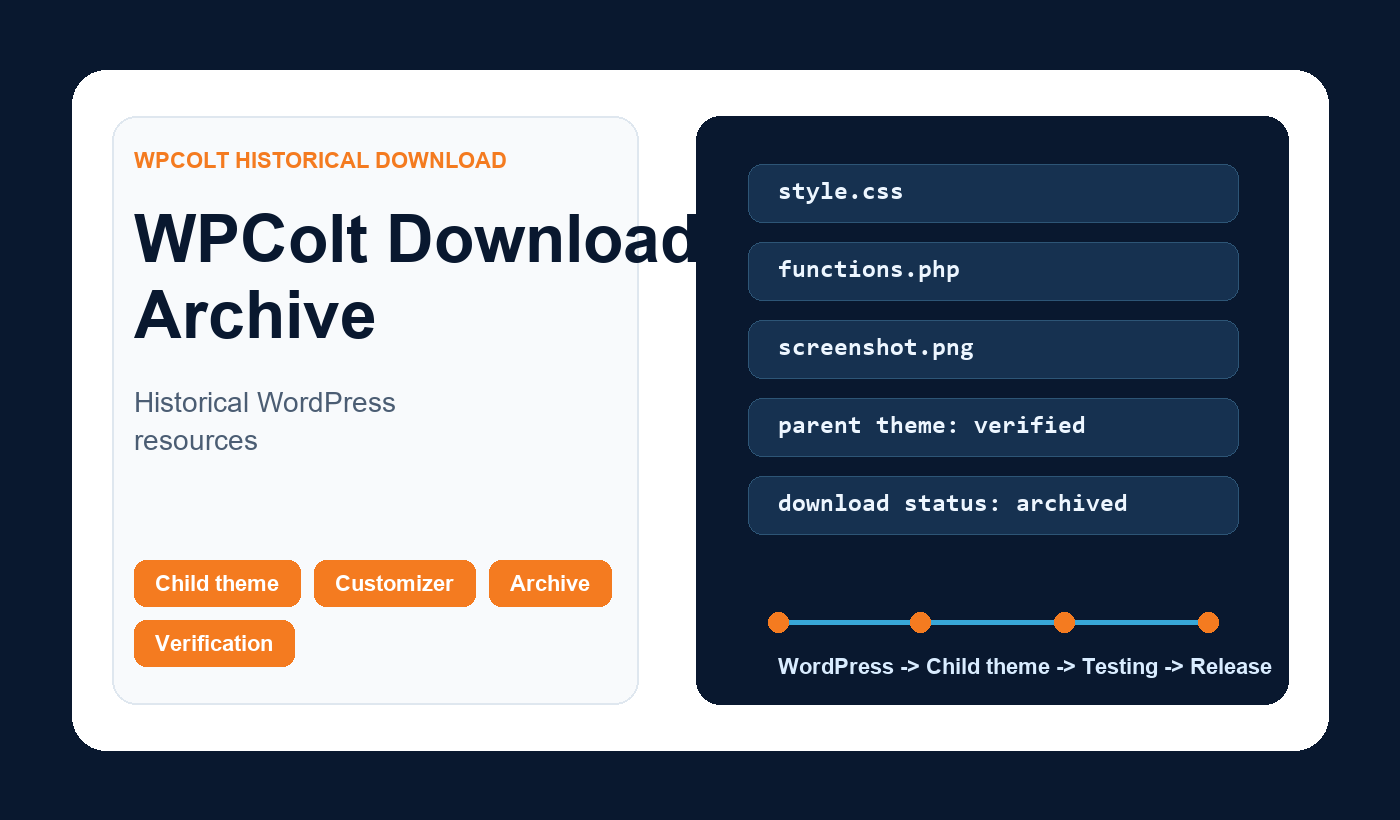
- Open the package locally and inspect style.css, functions.php, template files, screenshot, and any bundled assets.
- Confirm the declared parent theme still exists and can be installed safely.
- Install only on staging or a local development site first.
- Check PHP errors, JavaScript console messages, responsive layout, editor behavior, and front-end performance.
- Only then decide whether the download button should be updated on the live page.